

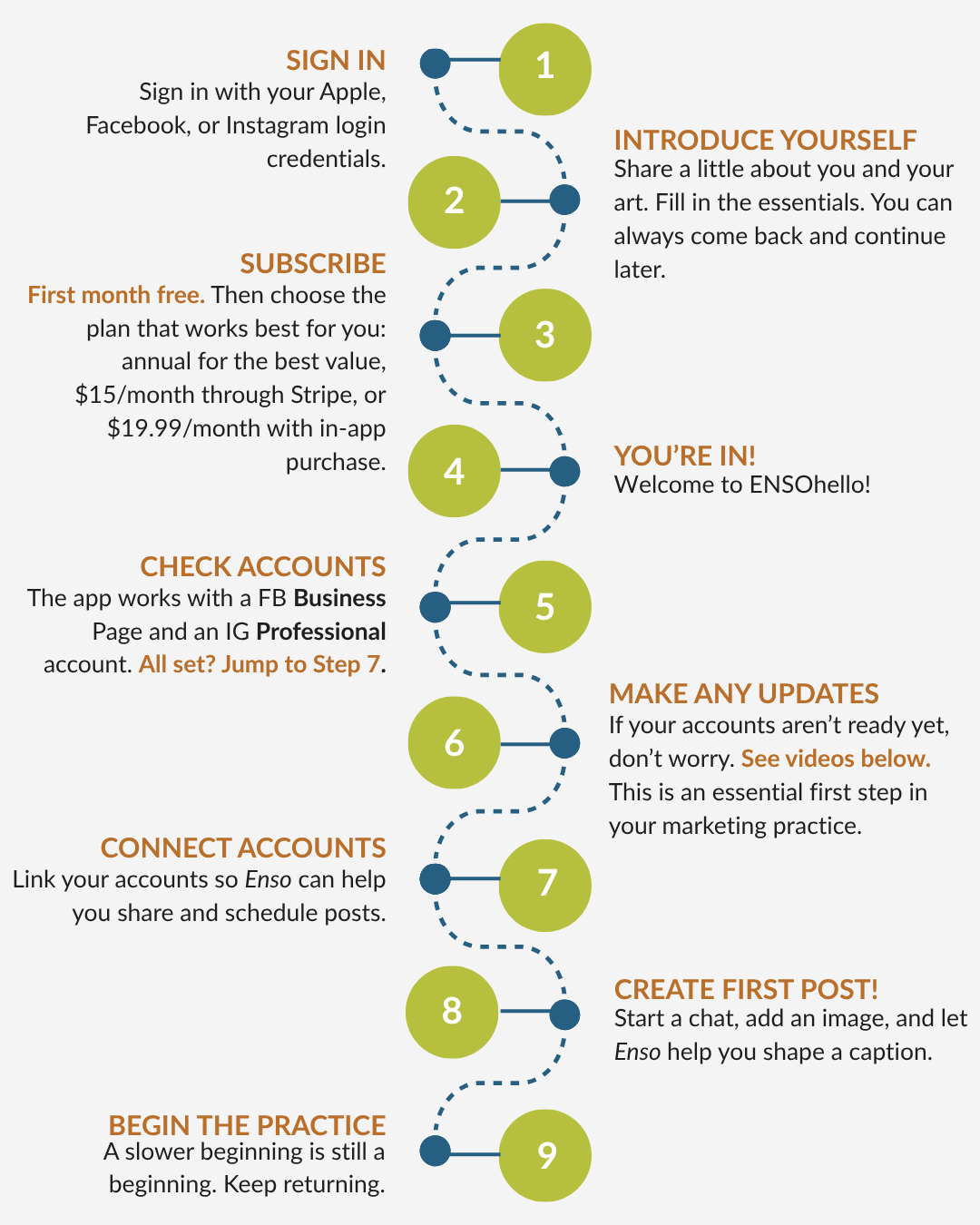
Setting up the app.
Getting started with a new app can feel like a lot. We’re artists too, and we get it.
This page offers a roadmap to help you take the first steps.
If something feels confusing, pause here. Review the tutorials, follow the next small step, and reach out if you need help.
You’re not bothering us. Your question helps us make ENSOhello better.

Once you’re set up…
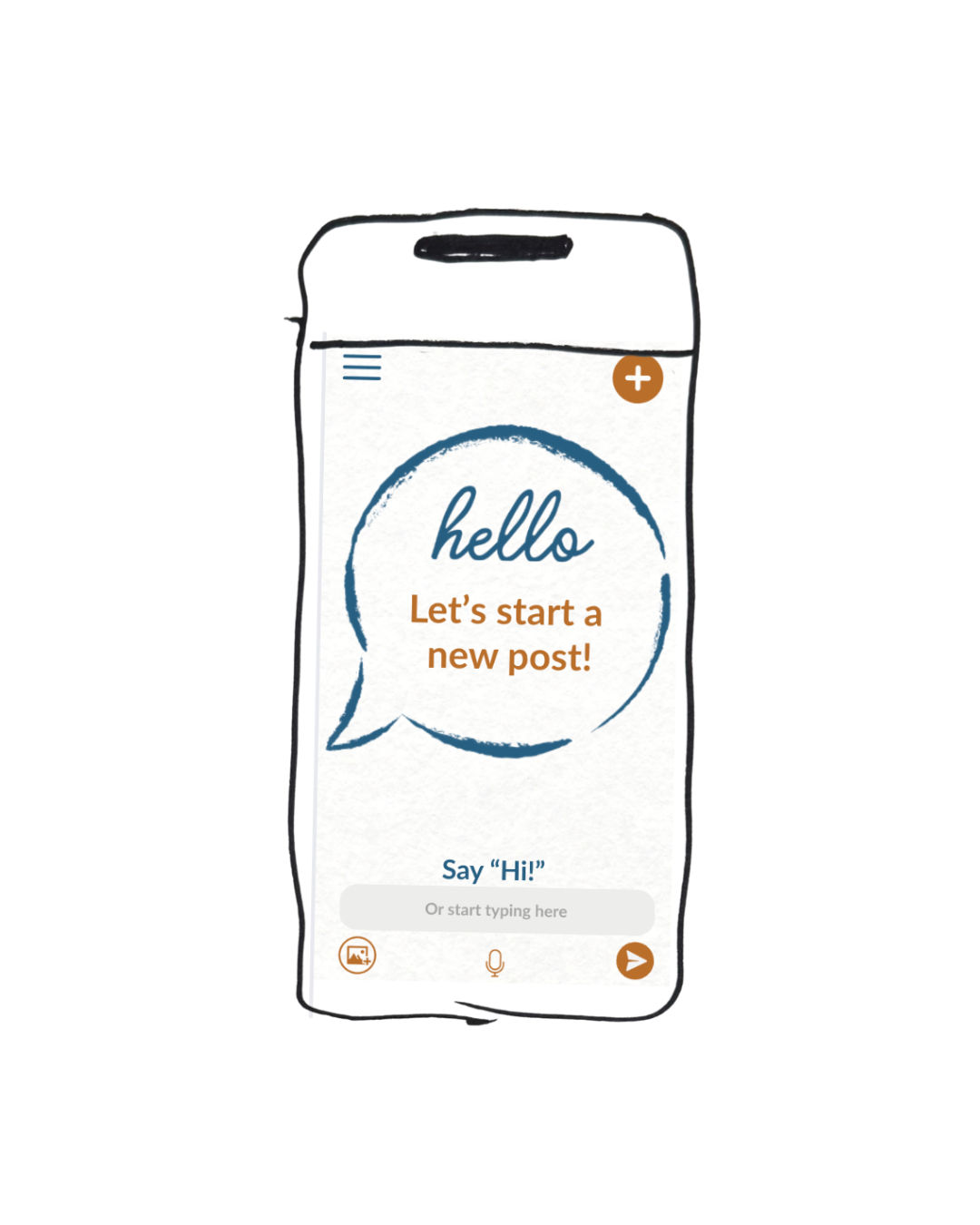
Connect accounts in ENSOhello
Open the menu in the upper left corner
Click Social Accounts
Sign in to Instagram
Sign in to Facebook
Follow the prompts to connect your accounts
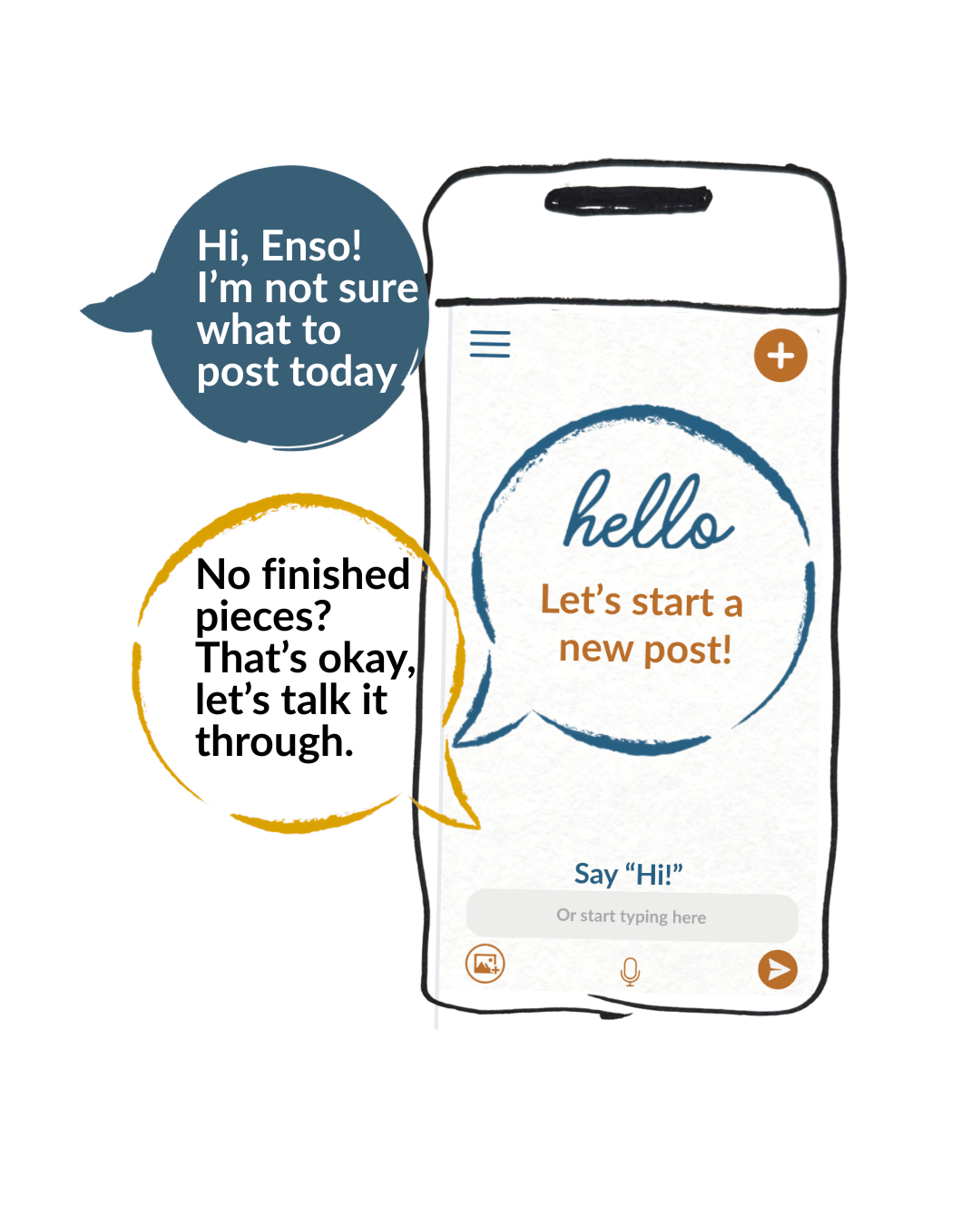
Create your first post
Click New Chat
Enso will ask you a few questions
Upload one image by clicking the photo icon in the bottom left
Review the post Enso creates
Make changes if needed
When you’re happy, click Approve
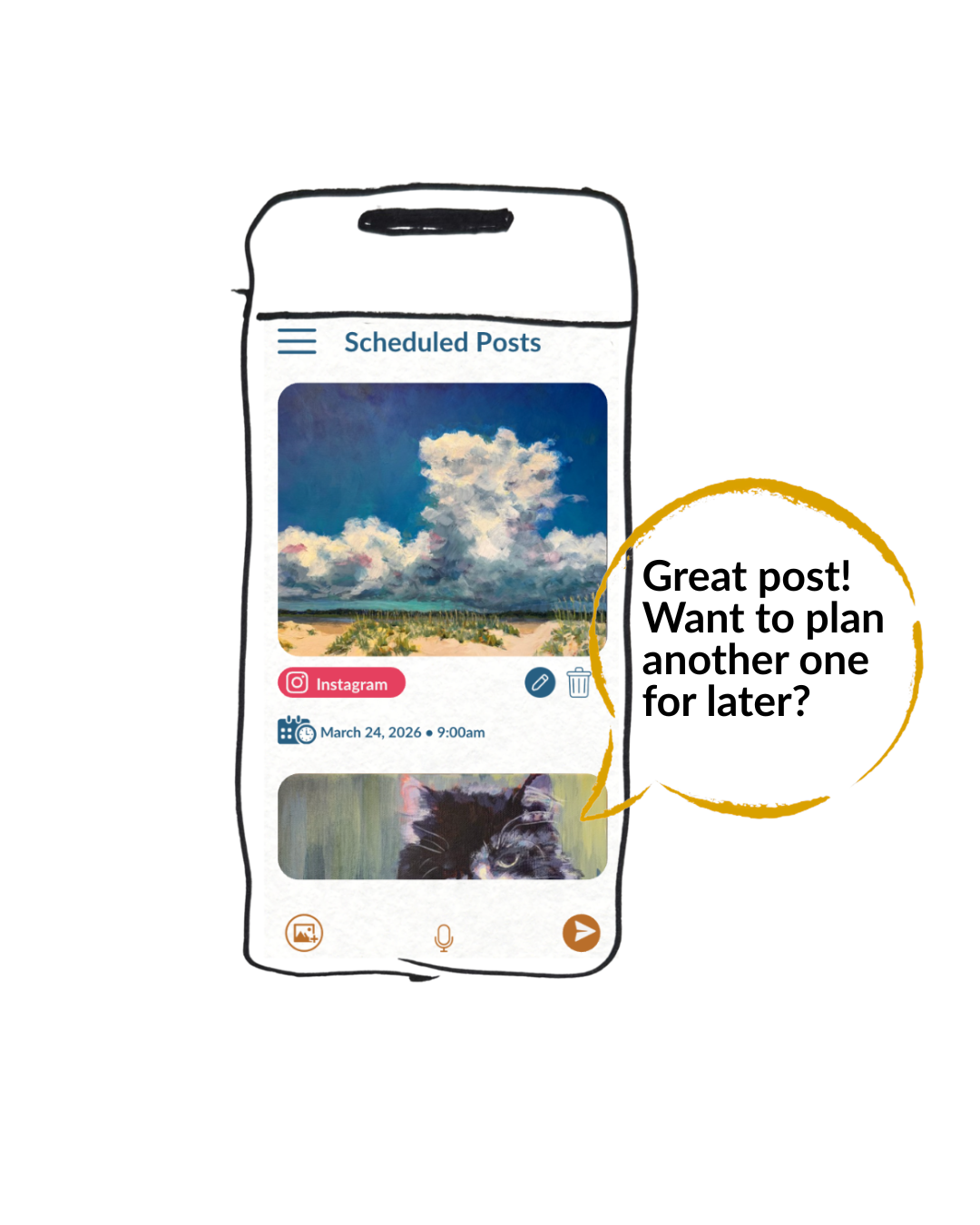
Schedule a post for later
When you’re chatting with Enso, ask her to schedule the post for a later day.
To review scheduled posts:
Open the menu in the upper left corner
Click Scheduled Posts
Review your upcoming posts
Future you will appreciate this.
Need a hand?
During Founding Member Access, your questions are especially helpful. If something feels confusing, unclear, or harder than expected, please let us know. Your question may help us improve this page for the next artist who gets stuck in the same place.
Have a question or need a hand? Sometimes talking to another artist helps, so please reach out.
We’re here for you.